Sometimes a book needs to come off your shelf. Maybe it's sold elsewhere, maybe you've changed your mind, or maybe you've decided to pass it on to a friend instead. Whatever the reason, removing a listing takes seconds.
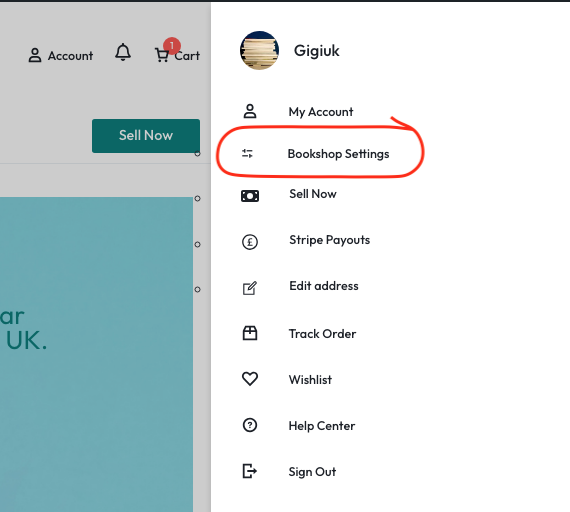
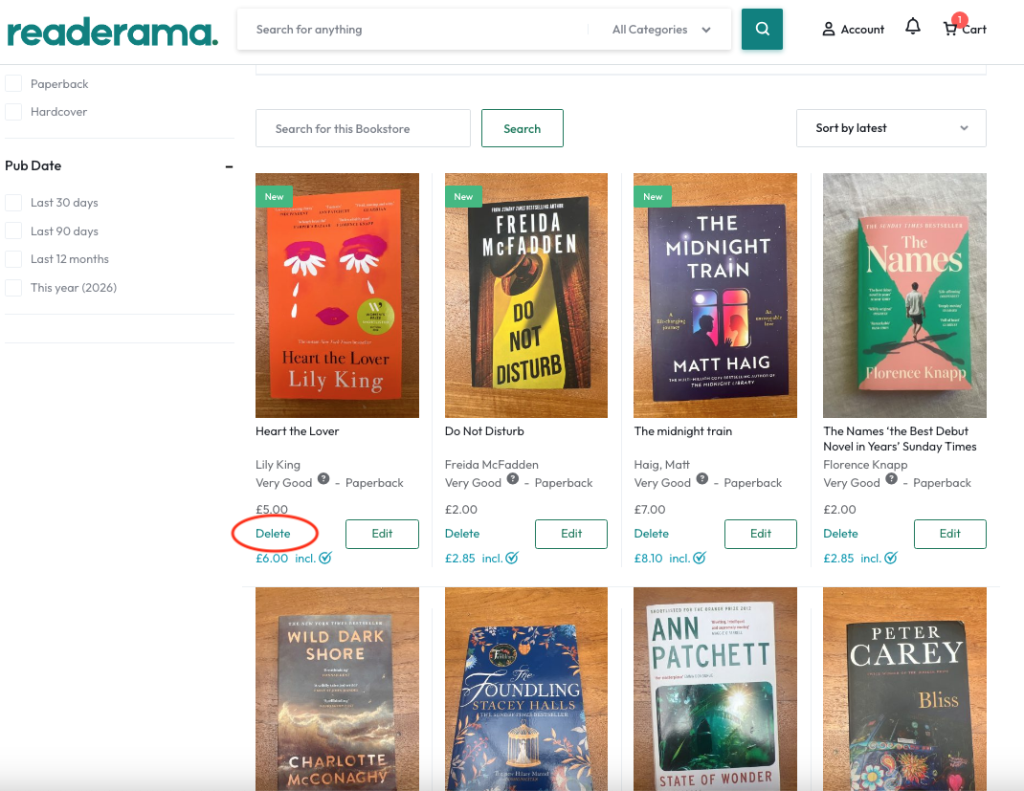
You’ll see all your listed books there, and each one has a delete button. Click it and the book comes off Readerama straight away.
That’s it. No need to let us know, and you can always relist a book later if it finds its way back to you. If anything doesn’t work as expected, email us at support@readerama.com.

 No products in the cart.